
The seven signs
- It dies before the day is over, even though your use hasn't changed.
- It switches off at 20% or 30%, then shows a higher number once it's plugged in again.
- It gets warm doing simple things — WhatsApp, a short video call, Waze.
- It never quite reaches 100%, or it sits at 99% for a long time.
- Apps take longer to open, the keyboard lags, and the camera is slow to start.
- You keep Low Power Mode on all the time just to get through the day.
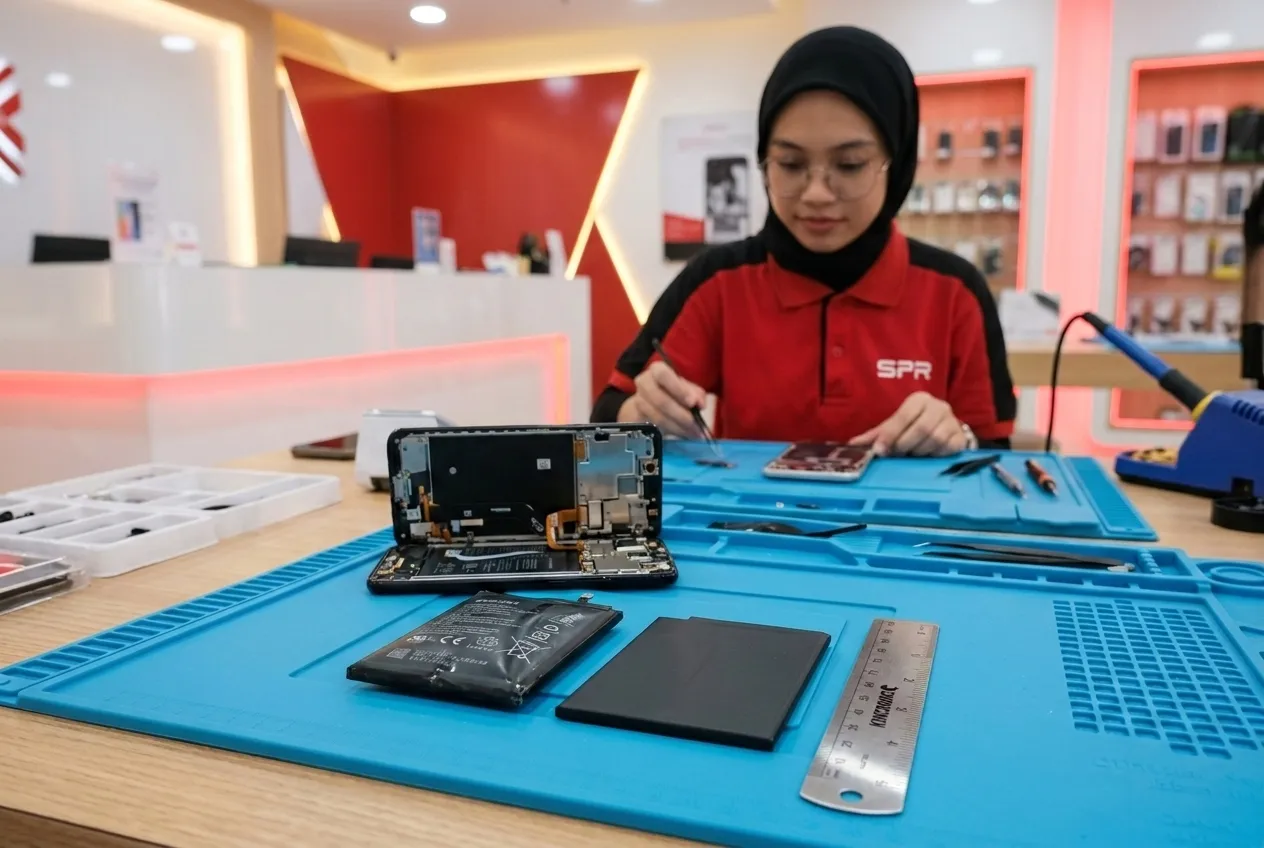
- The screen is lifting at one edge, or the back no longer sits flat.
Number 7 is not a “wait and see”
A screen that lifts or a back that bulges usually means the battery is swelling. Stop charging it, don't press it back down, and bring it in. A swollen battery can crack the screen from the inside.

Signs that look like the battery but usually aren't
- It only charges when the cable is held at an angle — that's the charging port or the cable.
- It says “Accessory not supported” — that's the cable, adapter or port.
- It drains fast only after a recent iOS update — give it two or three days to finish indexing first.
- One app uses 40% of your battery — check Settings › Battery for the culprit before replacing anything.
If you're not sure, send a screenshot of Settings › Battery to us on WhatsApp. We'll tell you if it's the battery before you travel anywhere.
Send us your model. We'll quote all three grades.
Prices depend on the model and the grade, so we don't list them here. A WhatsApp message gets you the exact figure, usually within minutes during opening hours.
Free quote on WhatsApp